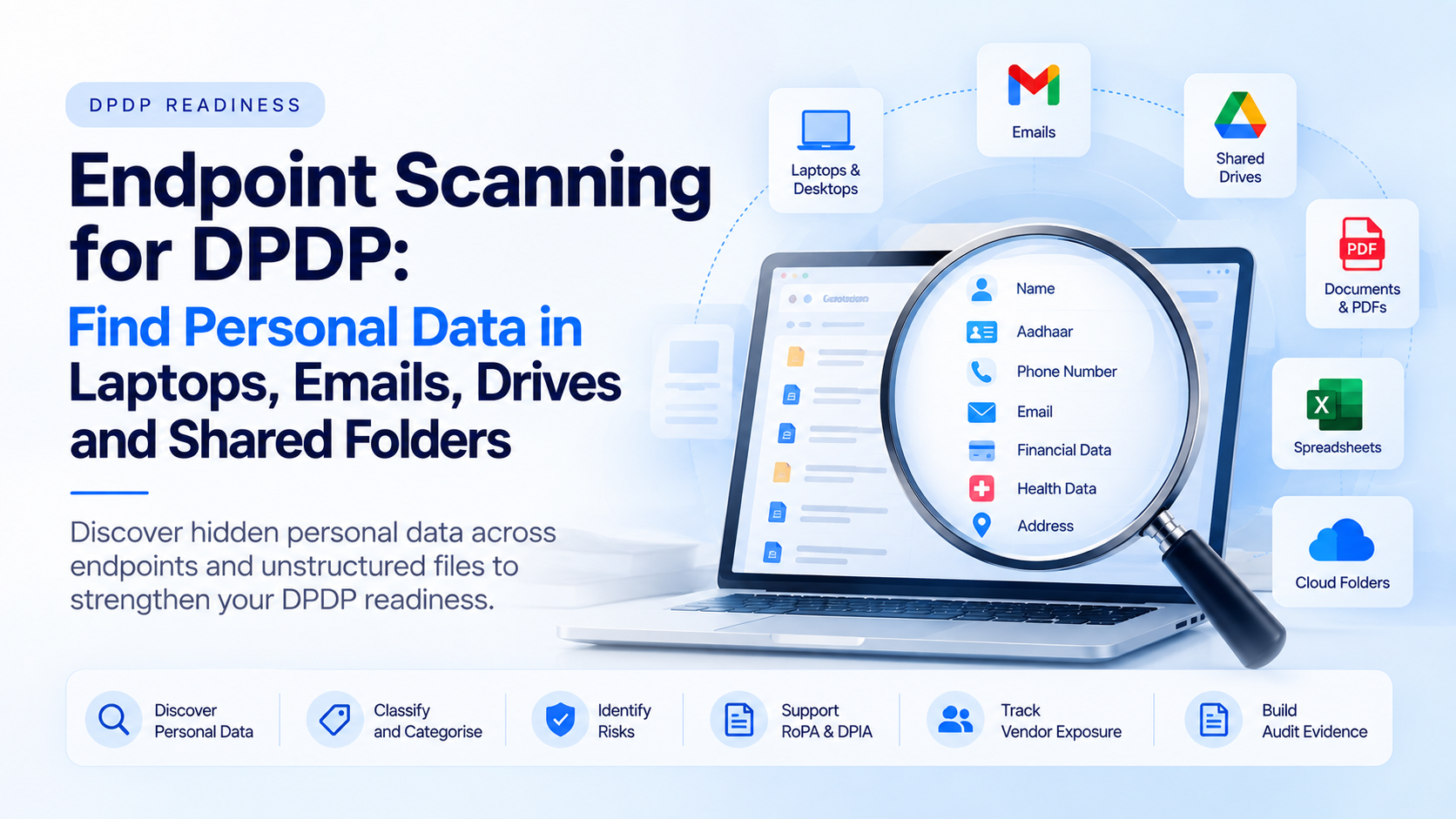
Learn how endpoint scanning for DPDP helps Indian enterprises find personal data across laptops, emails, shared drives, spreadsheets, PDFs and unmanaged files.
Overview
Most DPDP readiness programmes begin by checking core applications, databases and customer-facing systems.
That is important, but it is not enough.
In real enterprises, personal data often spreads far beyond the main database.
It sits inside employee laptops, downloaded reports, email attachments, shared drives, spreadsheets, PDFs, scanned forms, call-centre exports, HR folders, vendor files, branch documents, test datasets and old operational backups.
This is where endpoint scanning for DPDP becomes critical.
Endpoint scanning helps organisations discover personal data stored on user devices, local folders, file systems, email repositories, cloud drives and shared workspaces.
Without endpoint scanning, a company may believe its customer data is controlled inside one application while copies continue to exist across laptops, inboxes and shared folders.
Want to find personal data beyond your databases?
Run a DPDP endpoint scanning and data discovery assessment with Discovery Studio.
Discovery Studio helps Indian enterprises identify personal data across laptops, emails, shared drives, spreadsheets, documents and unmanaged repositories before building RoPA, DPIA and audit evidence.
This guide explains how endpoint scanning helps Indian enterprises find hidden personal data, classify risk, support RoPA inputs, identify vendor exposure and build audit-ready evidence for DPDP readiness.
What Is Endpoint Scanning for DPDP?
Endpoint scanning for DPDP is the process of scanning laptops, desktops, local folders, shared drives, cloud-synced folders, emails, documents and unmanaged repositories to identify personal data.
It is different from traditional database scanning.
Database scanning looks at structured systems such as tables, columns, schemas and records.
Endpoint scanning looks at the places where employees and business teams actually work with data every day.
These may include:
- Employee laptops and desktops.
- Downloaded customer reports.
- Excel and CSV exports.
- Email bodies and attachments.
- PDFs and scanned forms.
- Shared folders and cloud drives.
- HR and payroll documents.
- Customer-support files.
- Branch or field-team records.
- Temporary folders and working files.
- Vendor exchange files.
- Old backups and archived documents.
For DPDP readiness, endpoint scanning helps answer a practical question:
Where has personal data moved after it left the primary system?
This matters because compliance evidence cannot rely only on official system architecture.
If personal data is copied into spreadsheets, forwarded by email, stored in downloads, uploaded to shared drives or retained in old folders, it still creates privacy, security, retention and deletion risk.
A DPDP endpoint scanning process should therefore connect discovery findings to classification, owners, purposes, retention status, access permissions and remediation actions.
Why Personal Data Hides Outside Databases
Personal data spreads outside databases because business workflows are rarely limited to one system.
A customer-service team may export user data to resolve tickets.
A finance team may download repayment reports.
A branch team may scan physical forms and store them locally.
An HR team may maintain employee records in spreadsheets.
A marketing team may receive campaign lists by email.
A vendor may send back processed data as an Excel file.
A product team may copy sample data for testing.
An operations team may store KYC or onboarding documents in shared folders.
Each of these actions may be normal from a business perspective, but they create hidden DPDP risk if not tracked.
Common endpoint and unstructured-data risks include:
- Shadow copies: customer or employee data copied from core systems into local files.
- Uncontrolled access: shared folders where too many users can access personal data.
- Old exports: spreadsheets retained long after the business purpose is complete.
- Email attachments: personal data sent or received without retention discipline.
- Scanned documents: KYC, medical, HR or onboarding forms stored as PDFs or images.
- Vendor files: data exchanged with processors without proper mapping.
- Test data: production personal data used in testing or analytics environments.
- Deletion gaps: records deleted from one system but still present in files, emails or folders.
This is why endpoint scanning should be part of a DPDP readiness assessment.
It helps organisations move from assumed compliance to evidence-backed visibility.
If you cannot see personal data in emails, folders and endpoints, your DPDP readiness score may be incomplete.
Use Discovery Studio to scan endpoints, shared drives and unstructured files for DPDP readiness.
For a broader readiness workflow, read DPDPA Readiness Self-Assessment.
What Endpoint Scanning Should Detect
A DPDP endpoint scanner should not only count files.
It should help identify personal data categories, risk signals, ownership gaps and control requirements.
1. Contact identifiers
This includes names, phone numbers, email addresses, addresses, customer IDs, employee IDs and account references.
2. Identity and KYC data
This includes PAN, Aadhaar-related references, passport details, voter ID, driving licence details, photographs, scanned identity documents and onboarding forms.
3. Financial data
This includes bank account numbers, UPI IDs, repayment records, salary sheets, transaction exports, invoices, insurance details and loan documents.
4. Health and medical data
This includes prescriptions, diagnostic reports, patient records, medical insurance files, appointment records and health-related attachments.
5. Children’s data
If a business processes data relating to children, endpoint scanning should help identify files, forms, profiles or documents where children’s personal data may be stored.
6. HR and employee data
This includes resumes, salary records, appraisal files, payroll exports, background verification documents, attendance data and internal employee files.
7. Consent and preference records
Consent records, campaign preferences, opt-out files and manual withdrawal trackers may exist outside the main consent system. These should be identified and reconciled.
8. Vendor exchange files
Files shared with processors, consultants, agencies, payroll vendors, TPAs, DSAs, support teams or marketing vendors should be mapped to vendor governance records.
9. Sensitive operational notes
Support tickets, call notes, complaint files and service remarks may include personal details that are not captured in structured fields.
10. Unstructured documents
PDFs, images, Word documents, scanned forms, zip files, presentations and free-text documents should be included where relevant.
Once detected, these findings should flow into data classification, data mapping, retention review, RoPA inputs, DPIA triggers and remediation planning.
For classification guidance, read Data Classification for DPDP.
Endpoint Scanning Checklist for DPDP Readiness
Use this checklist before starting endpoint scanning for DPDP.
- Scope definition: Which laptops, desktops, shared drives, cloud folders, email repositories and file systems need to be scanned?
- Business-owner mapping: Which department owns each endpoint or repository?
- Scan permissions: Can the scan run with approved, least-privilege access?
- PII pattern library: Can the scanner detect India-specific identifiers such as PAN, Aadhaar-related references, UPI IDs, phone numbers, email addresses and account numbers?
- Document coverage: Can the scan inspect spreadsheets, PDFs, images, Word files, CSVs, text files and attachments?
- Email coverage: Can the process identify personal data inside emails and attachments where required?
- Shared-drive visibility: Can the scan show who has access to folders containing personal data?
- Duplicate detection: Can it identify repeated copies of the same personal data across multiple files or locations?
- Classification: Can detected data be classified by category, risk and control requirement?
- Purpose mapping: Can findings be linked to business purposes and processing activities?
- Vendor mapping: Can files shared with processors or vendors be identified and linked to vendor governance records?
- Retention review: Can old exports, stale files and unnecessary copies be flagged for deletion or restriction?
- RoPA input: Can scan findings support records of processing activities?
- DPIA triggers: Can higher-risk processing signals be escalated for review?
- Evidence logs: Can the organisation show what was scanned, what was found, what was remediated and what remains open?
- Recurring scans: Can scanning be repeated periodically so new files and exports do not create fresh blind spots?
Endpoint scanning should not be treated as a one-time cleanup exercise.
It should become part of ongoing DPDP readiness, especially for organisations with many employees, branches, vendors, shared repositories and operational exports.
Not sure which endpoints, folders or repositories should be scanned first?
Speak with OpenBlockAI about endpoint scanning, data discovery, RoPA and DPIA readiness.
For wider personal-data mapping, read DPDP Data Mapping.
Build Endpoint Data Discovery with Discovery Studio
Endpoint scanning becomes valuable only when findings turn into action.
A report that says “personal data found” is not enough.
Teams need to know:
- Where the personal data sits.
- Which category of personal data it belongs to.
- Which department or system owns it.
- Which purpose justifies it.
- Which users can access it.
- Which vendors or processors receive it.
- Whether it should be retained, deleted, masked or restricted.
- Whether it creates a RoPA update or DPIA trigger.
- Which remediation owner is responsible.
- What evidence proves the gap has been closed.
OpenBlockAI Discovery Studio helps organisations move from scattered endpoint findings to an evidence-backed DPDP readiness baseline.
Discovery Studio supports personal data discovery across structured and unstructured sources, including files, shared repositories, documents, spreadsheets, emails, logs and operational records.
It helps classify personal data, map systems and vendors, identify retention gaps, prepare RoPA inputs, detect DPIA triggers and create audit-ready evidence for remediation.
For Indian enterprises, this is especially useful where personal data moves through branches, HR teams, customer-support desks, finance teams, field operations, marketing campaigns, onboarding teams and vendor workflows.
The goal is not only to scan endpoints.
The goal is to build a living view of where personal data exists and what should happen next.
Ready to discover hidden personal data across endpoints and shared repositories?
Run a DPDP endpoint scanning assessment with Discovery Studio.
Talk to OpenBlockAI about endpoint scanning and DPDP data discovery.